Posts
What is MCP? The model context protocol explained for agile teams


Kelly Lewandowski
Last updated 27/04/20269 min read
What MCP actually is
MCP server
MCP client
Tool
retro_create_item, planning_poker_cast_vote, or
standup_submit_answers.Resource
How MCP is different from a REST API or a webhook
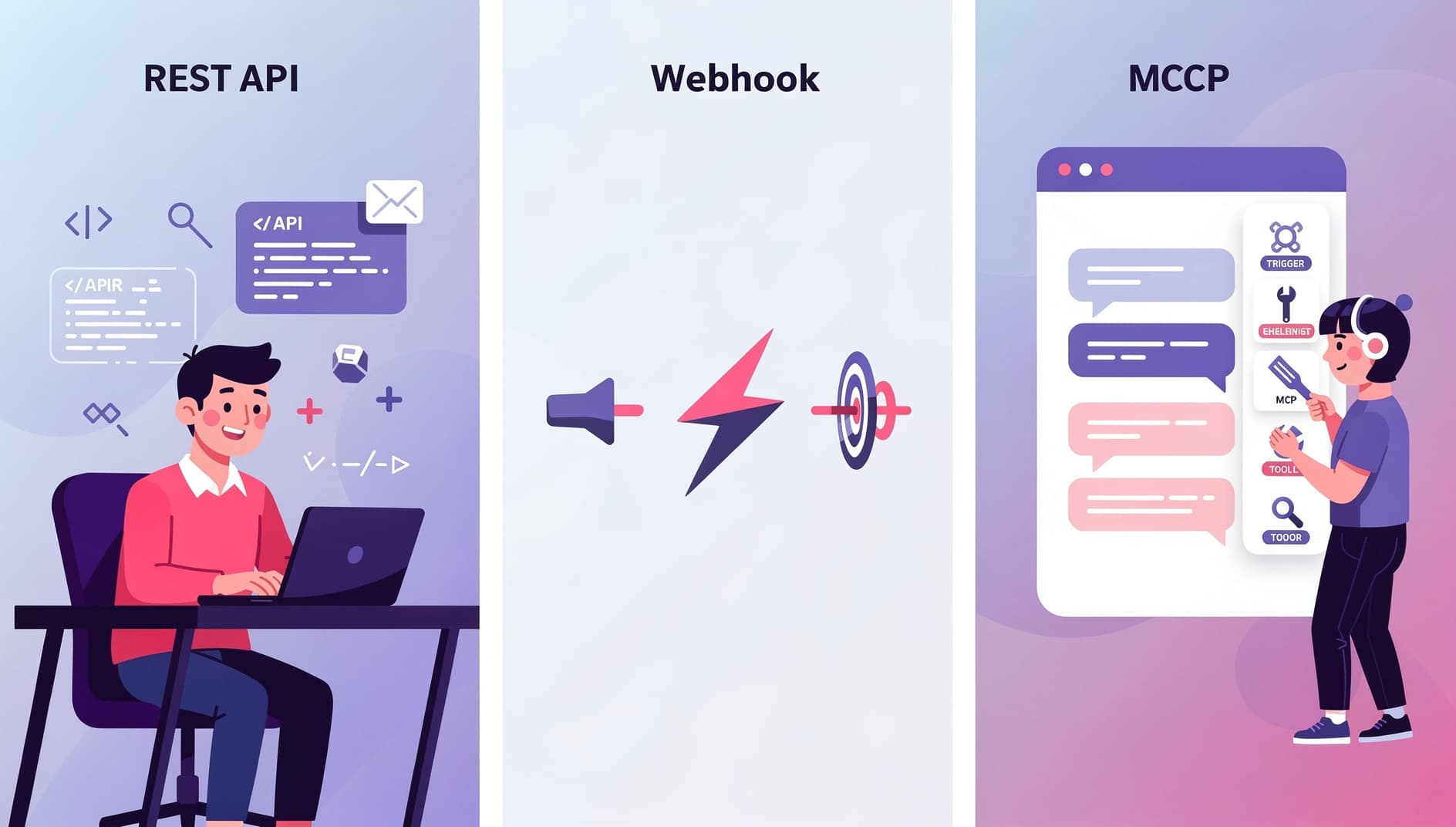
| Concern | REST API | Webhook | MCP |
|---|---|---|---|
| Direction | You call it | It calls you | The model calls it on your behalf |
| Who writes the integration | A developer, ahead of time | A developer, ahead of time | The model, at runtime, from a tool list |
| Discovery | Read the docs | Read the docs | Server returns a typed list of tools |
| Auth model | API keys, OAuth | Signed payloads | OAuth 2.1 + PKCE + Dynamic Client Registration |
| Best for | Apps and scripts | Reacting to events | Conversational and agent workflows |
The auth flow: OAuth 2.1, PKCE, and DCR in plain English
Dynamic Client Registration (DCR, RFC 7591)
Old-school OAuth required every client to be pre-registered by hand: a developer logs into the SaaS admin panel, fills out a form, copies a client ID and secret, and pastes them somewhere. That does not scale when "the client" is every Claude install in the world. DCR lets the MCP client introduce itself to the server programmatically ("I am Claude Desktop on this user's laptop, here is my redirect URI") and the server hands back a fresh client ID. No admin involvement. OAuth 2.1 authorization code flow
Once it has a client ID, the assistant opens your browser, redirects to the SaaS provider's sign-in page, and asks you to approve the connection. This is the same flow you use to "Sign in with Google" on a third-party site. You see exactly which org you are connecting and which scopes (read, write) the assistant is asking for. The SaaS provider hands back an authorization code, which the client trades for an access token. PKCE (Proof Key for Code Exchange)
PKCE prevents the authorization code from being stolen mid-flight. The client generates a one-time secret, hashes it with SHA-256, and sends the hash up front. When it later redeems the code, it has to send the original secret. An attacker who intercepts the code cannot redeem it without that secret. The MCP spec mandates PKCE with the S256method, with no fallback to weaker variants.Resource indicators (RFC 8707)
The 2026 MCP spec also requires the client to name the specific server it intends to call when it requests a token. That stops a token issued for one MCP server from being replayed against a different one. The token is bound to a single audience.
Why agile teams specifically should care
🌅Standups draft themselves
🃏Planning poker from the backlog
🪞Retros pre-seeded with real data
✅Action items with context
What you can actually do today