Posts

AI-assisted backlog refinement: using LLMs to write better user stories
Team of developers gathered around a large screen showing an AI assistant interface helping organize user stories on a digital board
Kelly Lewandowski

Kelly Lewandowski

Last updated 10/04/20267 min read

Most teams that try AI in refinement start by asking it to draft user stories. That's backwards. The real time savings come from using AI to find gaps in stories your team already wrote: missing edge cases, assumptions nobody questioned, acceptance criteria that sound complete but aren't. The drafting is the easy part. The poking holes is where AI earns its keep. Here's how to use it without turning your backlog into a pile of generic, plausible-sounding tickets.

Where AI adds real value in refinement

Not every part of refinement benefits equally from AI. Here's where the payoff is highest.

1. Expanding acceptance criteria

You write the happy-path acceptance criteria, then ask the LLM to poke holes in it. It'll surface edge cases you forgot about: empty states, permission boundaries, concurrency issues, accessibility requirements, error handling paths. A 2024 Capgemini survey found that AI-generated acceptance criteria reduced rework tickets by roughly 15%. The time savings in refinement is nice, but fewer mid-sprint surprises is the bigger deal. Try our free Acceptance Criteria Generator to see this in action.

2. Identifying risks and dependencies

Feed the LLM your data model, API surface, or system architecture and ask it to flag risks for a given story. It's surprisingly good at catching cross-team dependencies and data migration needs that slip past human review. Context quality determines output quality. A prompt with just the story text gives you generic risks. A prompt with the story plus your schema and existing related stories gives you specific flags you can actually act on.

3. Splitting oversized stories

When you've got a story that's clearly too big for a single sprint, AI can suggest INVEST-compliant splits. The pattern matters here. Prompt it to "split by user workflow step" or "split by data variation" rather than asking for a generic breakdown. You'll get more useful results. For more on splitting techniques, see our guide to breaking down epics into sprint-ready stories. And if you want to experiment, the Story Splitter tool can handle this directly.

4. Drafting stories from raw inputs

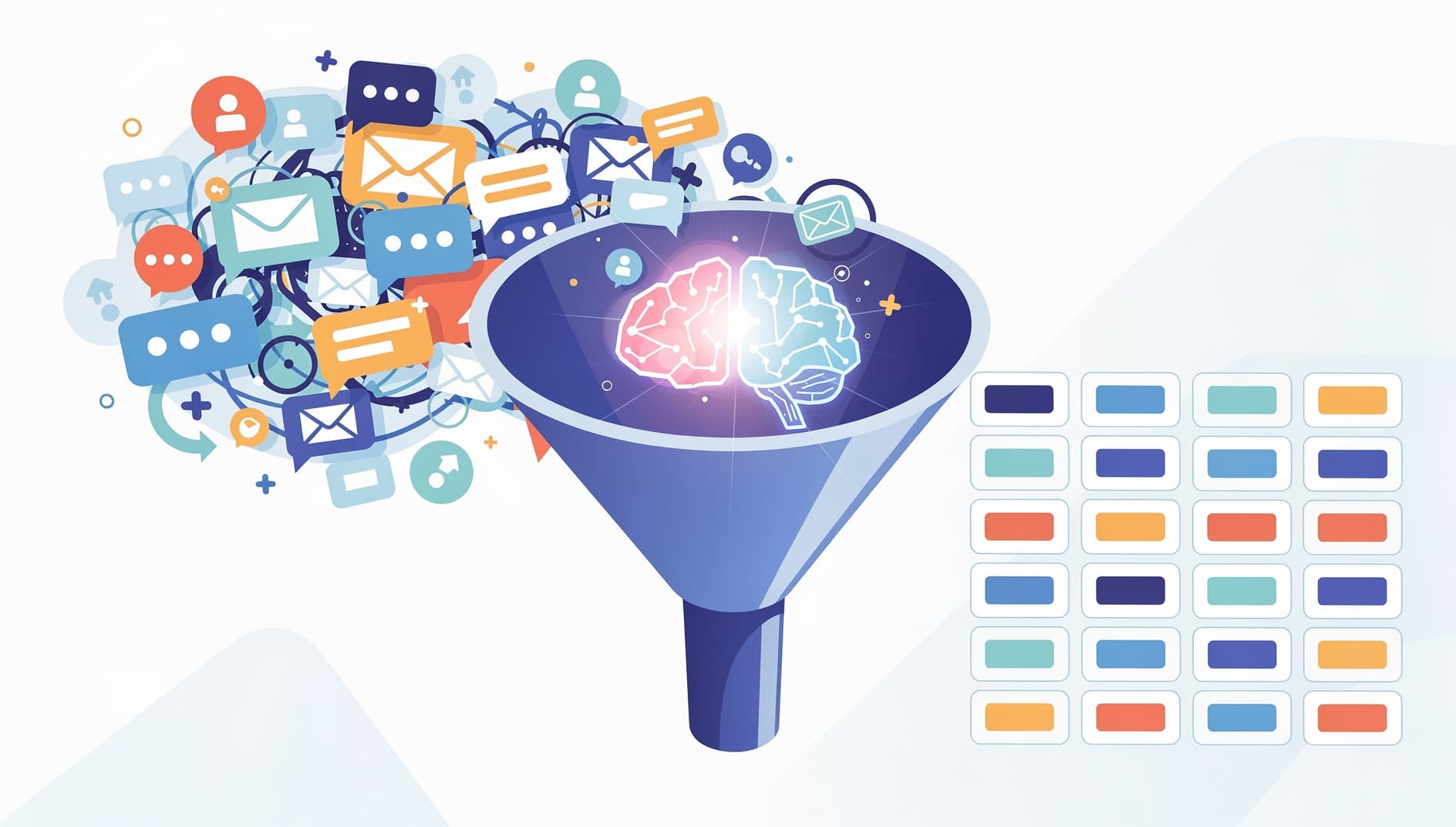
AI can turn meeting transcripts, Slack threads, or support tickets into structured user stories. This is useful but carries the highest risk of the "plausible but wrong" problem (more on that below). Use it as a starting point, not a finished product. Illustration of raw inputs like chat messages and support tickets being funneled through an AI brain and coming out as structured user story cards

A practical workflow for AI-assisted refinement

Prep stories before the session (10 min)
The product owner writes draft stories with basic acceptance criteria. Use the User Story Generator if starting from a rough feature description. This shouldn't take long — rough is fine.
Run AI expansion on each story
Feed each story to an LLM with this prompt: "Given this user story and acceptance criteria, list edge cases, implicit assumptions, and missing scenarios. Also flag any potential risks or dependencies." Attach relevant context (data model, related stories, etc.).
Review AI output as a team
Go through the AI-flagged items in refinement. Discard the noise, keep the genuine catches. The conversation is what matters, not the AI output itself.
Estimate with fuller context
Stories that have been through AI expansion tend to surface complexity earlier. Some teams report refinement sessions running 20-30% shorter because fewer "wait, what about..." interruptions happen during estimation. Use planning poker to estimate with the full picture.

The pitfalls you need to watch for

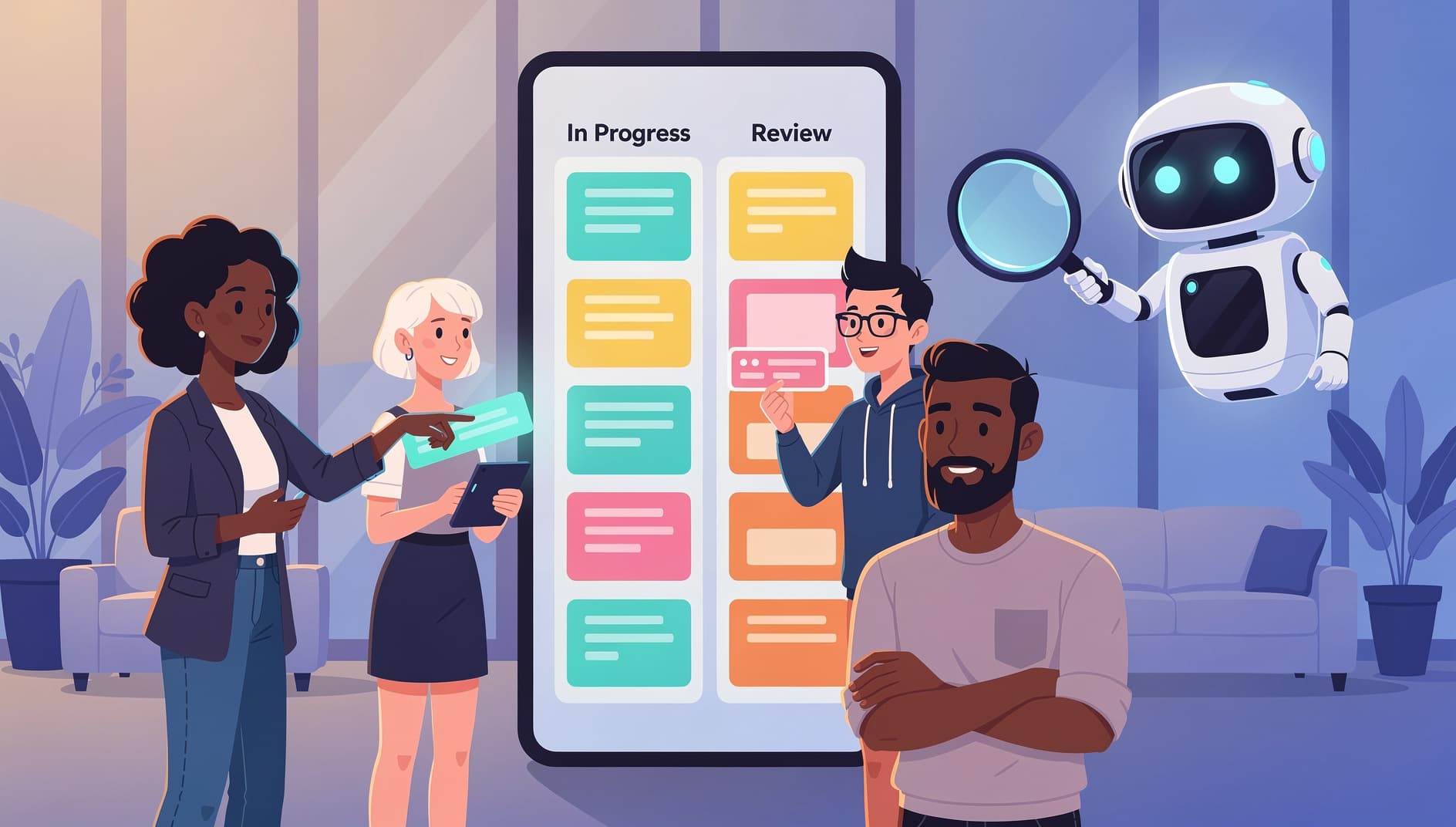
AI-generated story content has specific failure modes that aren't always obvious. Plausible but wrong. LLMs produce grammatically perfect stories that encode incorrect domain logic. They "look right" and pass refinement unchallenged because nobody questions something that reads well. Always validate domain-specific details against someone who actually knows the system. False completeness. An AI generates a list of 12 acceptance criteria and the team assumes it's exhaustive. It isn't. The model can't know what it doesn't know about your system. Treat AI-generated AC as a supplement, not a replacement for team knowledge. Homogenization. AI stories converge on generic patterns. "As a user, I want to filter results so I can find what I need" is technically valid and completely useless. If your AI-generated stories could apply to any product, they need more specificity. Skill erosion. Junior team members stop learning to decompose work when AI does it for them. Have less experienced folks write the first draft, then use AI to expand on it. Refinement is still a teaching moment. Illustration of a magnifying glass examining a user story card, revealing hidden issues and edge cases underneath the surface

Prompting tips that actually work

Generic prompts give generic output. Specificity is everything:
Instead ofTry
"Write a user story for search""Write a user story for full-text search across project names and descriptions, for a user managing 50+ projects"
"Generate acceptance criteria""Generate edge-case acceptance criteria assuming a multi-tenant system with role-based permissions"
"Split this epic""Split this epic by user workflow step, keeping each story independently deployable"
"What are the risks?""Given this data model [paste schema], what are the migration risks and cross-service dependencies?"
The more your prompt reflects your actual product, the more useful the output. Paste your schema. Reference existing stories. Give it real constraints.

When to skip AI entirely

Not every story needs the AI treatment. Bug fixes with clear reproduction steps, small copy changes, and straightforward CRUD operations are faster to refine the old-fashioned way. Save AI for stories where the problem space is ambiguous, the system interactions are tangled, or your team keeps discovering unknowns mid-sprint. For more on writing solid stories without AI, check out our guide on how to write user stories and how to write acceptance criteria.

Any capable model (GPT-4, Claude, Gemini) works fine. The quality difference comes from your prompts and context, not the model. Feed it your data model and existing stories, and even a mid-tier model will give useful output.

No. Use AI to expand and stress-test human-written stories, not replace them. Your team's domain knowledge is what makes stories specific and useful. AI just helps you find what you missed.

Some teams report 20-30% shorter refinement sessions. But the bigger win shows up later: fewer mid-sprint clarifications and less rework. Track your rework rate before and after to see if it's actually helping.

Indirectly. Better-refined stories lead to faster, more accurate estimates. Some teams also use AI to analyze historical velocity data. Check out our Estimation Complexity Analyzer for AI-assisted complexity assessment.