Posts

How to get actionable items out of your retrospectives
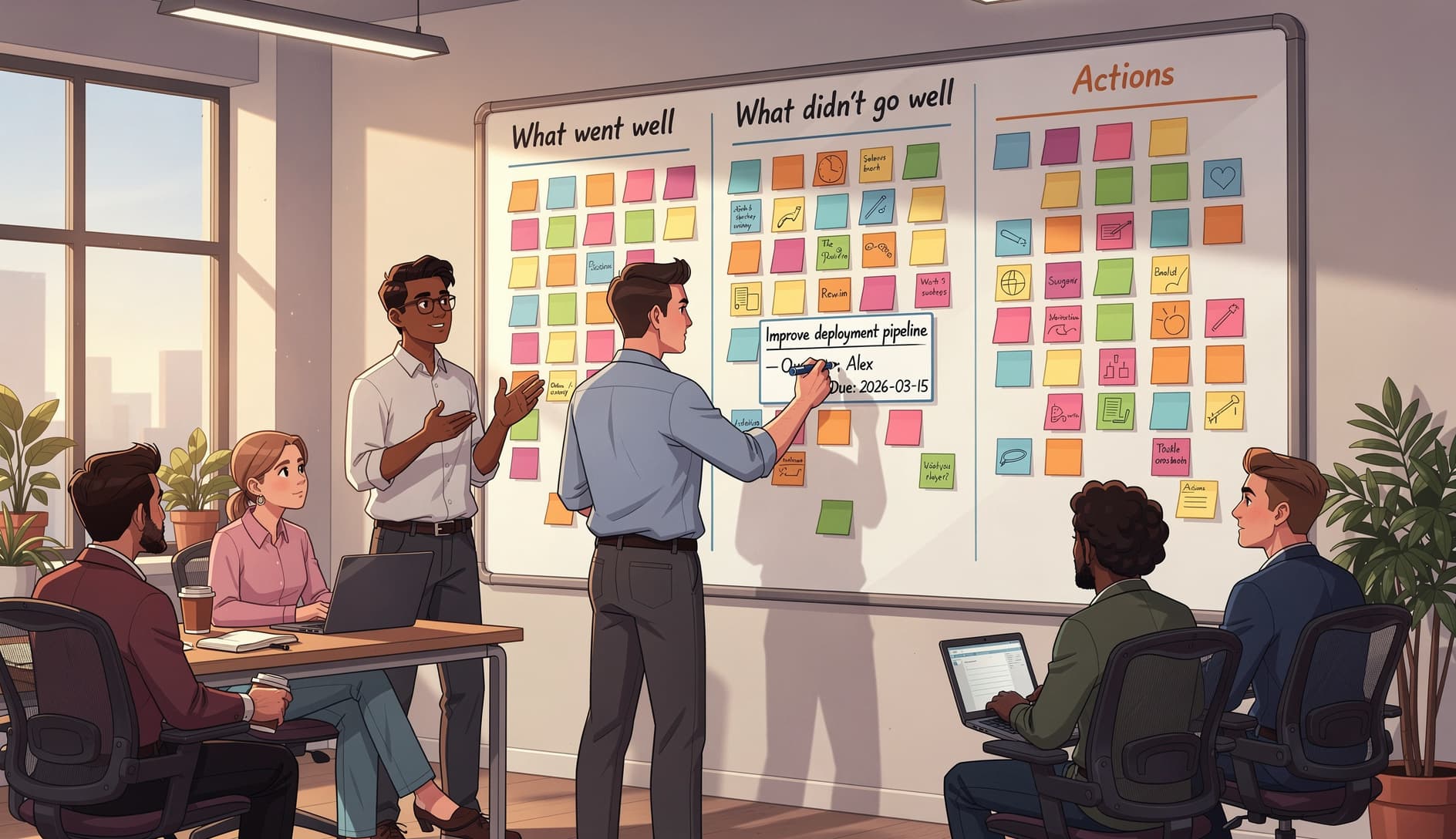
Agile team gathered around a whiteboard during a retrospective, writing clear action items with owner names and deadlines on cardsAgile team gathered around a whiteboard during a retrospective, writing clear action items with owner names and deadlines on cards
Matt Lewandowski

Matt Lewandowski

Last updated 16/02/202610 min read

Your team runs retrospectives. You identify problems. You write action items on sticky notes or type them into a shared doc. And then nothing happens. By mid-sprint, nobody remembers what was decided. By the next retro, the same issues come up again. This is the most common failure mode in agile teams, and it has nothing to do with the retro format you choose. The problem is what happens after the discussion ends. Teams that run effective retrospectives still fail at follow-through when their action items are vague, unowned, and untracked. A 2023 Scrum Alliance survey found that only 35% of teams consistently complete the action items from their retrospectives. The other 65% are generating insights they never act on, which is worse than not having the conversation at all. It teaches the team that retros don't lead to change.

The action item graveyard

Before fixing the problem, it helps to understand why retro action items die. There are four consistent patterns.

No owner

"We should improve our code reviews" goes on the board. Everyone nods. Nobody is responsible for making it happen. Without a name attached, an action item is a wish, not a commitment.

Too vague

"Communicate better" is not something anyone can act on. What does better mean? Communicate about what? With whom? Vague action items can't be started because nobody knows what the first step looks like.

Too ambitious

"Rewrite the deployment pipeline" is a project, not an action item. When the scope is too large for a single sprint, the team either never starts or abandons it halfway through because other work takes priority.

No tracking

Even well-written action items disappear when there's no system for tracking them. They live in meeting notes that nobody opens, or on a whiteboard that gets erased. Without visibility, there's no accountability.

What makes an action item actionable

The difference between an action item that gets done and one that doesn't usually comes down to four properties. If you've used the SMART goal framework for goal-setting, the same principles apply here, scaled down to sprint-sized work.
Specific

The action item describes exactly what needs to happen. Not "improve testing" but "add integration tests for the checkout flow."

Assigned

One person owns it. Not the team, not "someone." A single name. That person doesn't have to do all the work, but they're responsible for making sure it happens.

Time-bound

There's a deadline, and it fits within the sprint. "By next Wednesday" is better than "soon." "Before sprint review" is better than "eventually."

Measurable

You can verify whether it's done. "Add a PR checklist template to the repo" is verifiable. "Be more thorough in reviews" is not.

Here's a simple test: if a new team member read the action item with no context, would they know exactly what to do, who's doing it, and when it needs to be finished? If not, it needs to be sharper.

Before and after: vague vs. actionable

The gap between a useless action item and a useful one is usually just a few extra words. Here are real examples.
Vague action itemActionable version
Improve code reviewsAdd a 5-item checklist to the PR template by Wednesday, owned by Sarah
Communicate better about blockersPost blockers in the #dev-blockers Slack channel within 1 hour of hitting them, starting this sprint, owned by the full team
Fix flaky testsIdentify and fix the top 3 flakiest tests in CI by end of sprint, owned by James
Plan betterReview the top 5 backlog items with the Product Owner before sprint planning on Tuesday, owned by Maria
Reduce meetingsCancel the Wednesday sync and replace it with an async update in Slack for 2 sprints as an experiment, owned by Alex
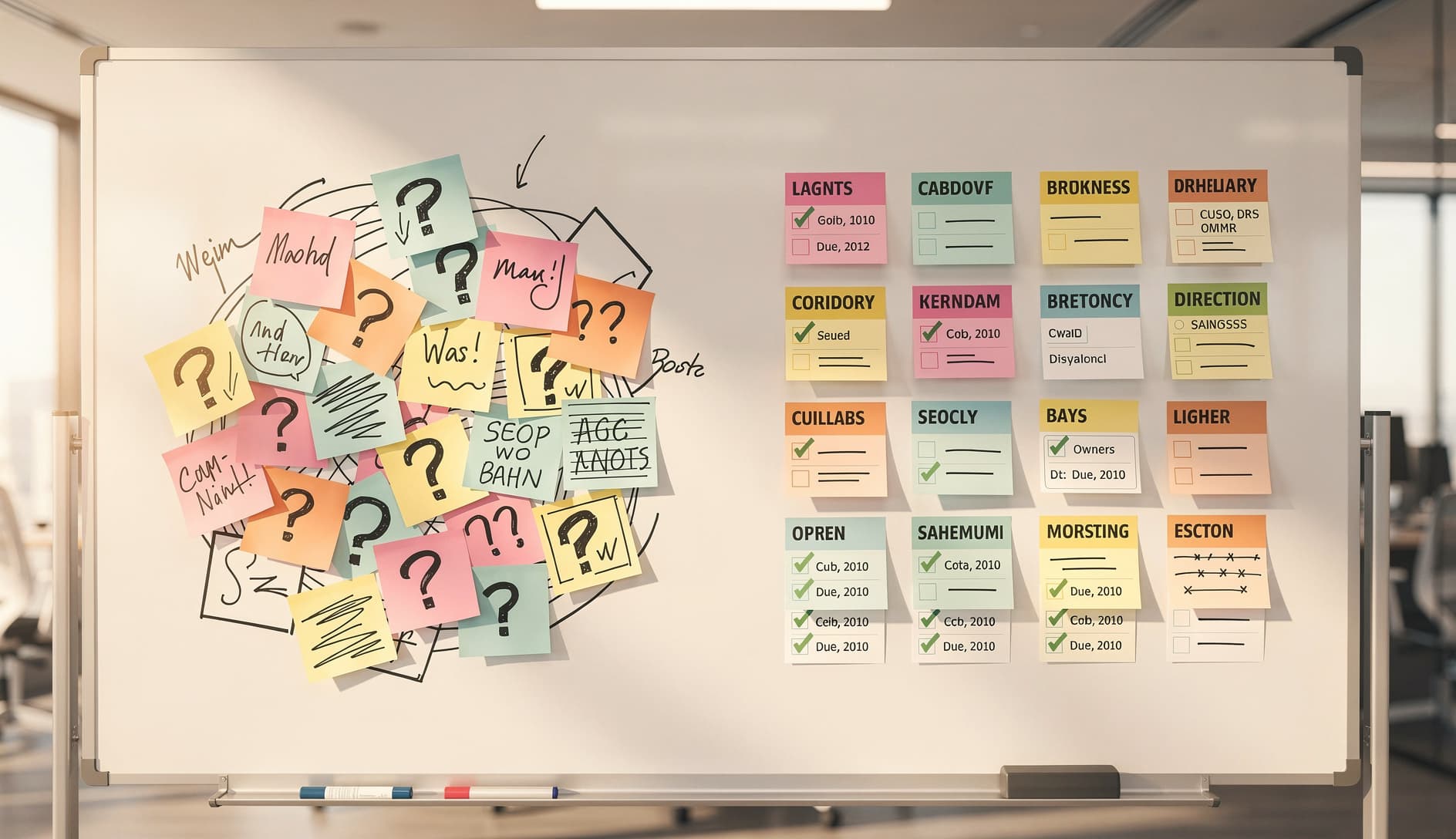
Side-by-side comparison showing vague sticky notes with question marks on the left and clean organized action items with checkmarks, owner names, and dates on the rightSide-by-side comparison showing vague sticky notes with question marks on the left and clean organized action items with checkmarks, owner names, and dates on the right Notice the pattern. Every actionable version answers three questions: who will do what by when. That template alone transforms most retro outputs.

Techniques for generating better action items

Getting to specific, owned, time-bound action items doesn't happen by accident. These techniques make it a natural part of the retro flow.

Use the "who will do what by when" template

After the team discusses an issue and agrees on a direction, don't write the action item yet. Instead, ask three questions out loud:
  1. Who is going to own this?
  2. What specifically are they going to do?
  3. When will it be done?
Write the action item only after all three are answered. This takes 30 seconds per item and eliminates most vague commitments. Many retrospective templates now include dedicated sections for capturing these three elements, which keeps the format consistent.

Vote on action items, not just problems

Most teams use dot voting to prioritize problems. But identifying the biggest problem doesn't guarantee a good solution. Instead, generate two or three candidate action items for each top problem, then vote on which action item the team wants to commit to. This shifts the energy from "what's wrong" to "what are we going to do about it," which is where the actual value of a retro lives.

Limit to 1-3 action items per retro

This is counterintuitive, but fewer action items means more get done. When a team leaves a retro with seven action items, the cognitive load is too high and none of them get attention. When there are two, the team can actually focus. The cadence of your retros matters here too. Teams running retros every sprint get more chances to iterate, so each individual retro can afford to focus on fewer items.

Tracking follow-through

Writing good action items is half the problem. The other half is making sure they don't vanish between retros.

Review last sprint's items first

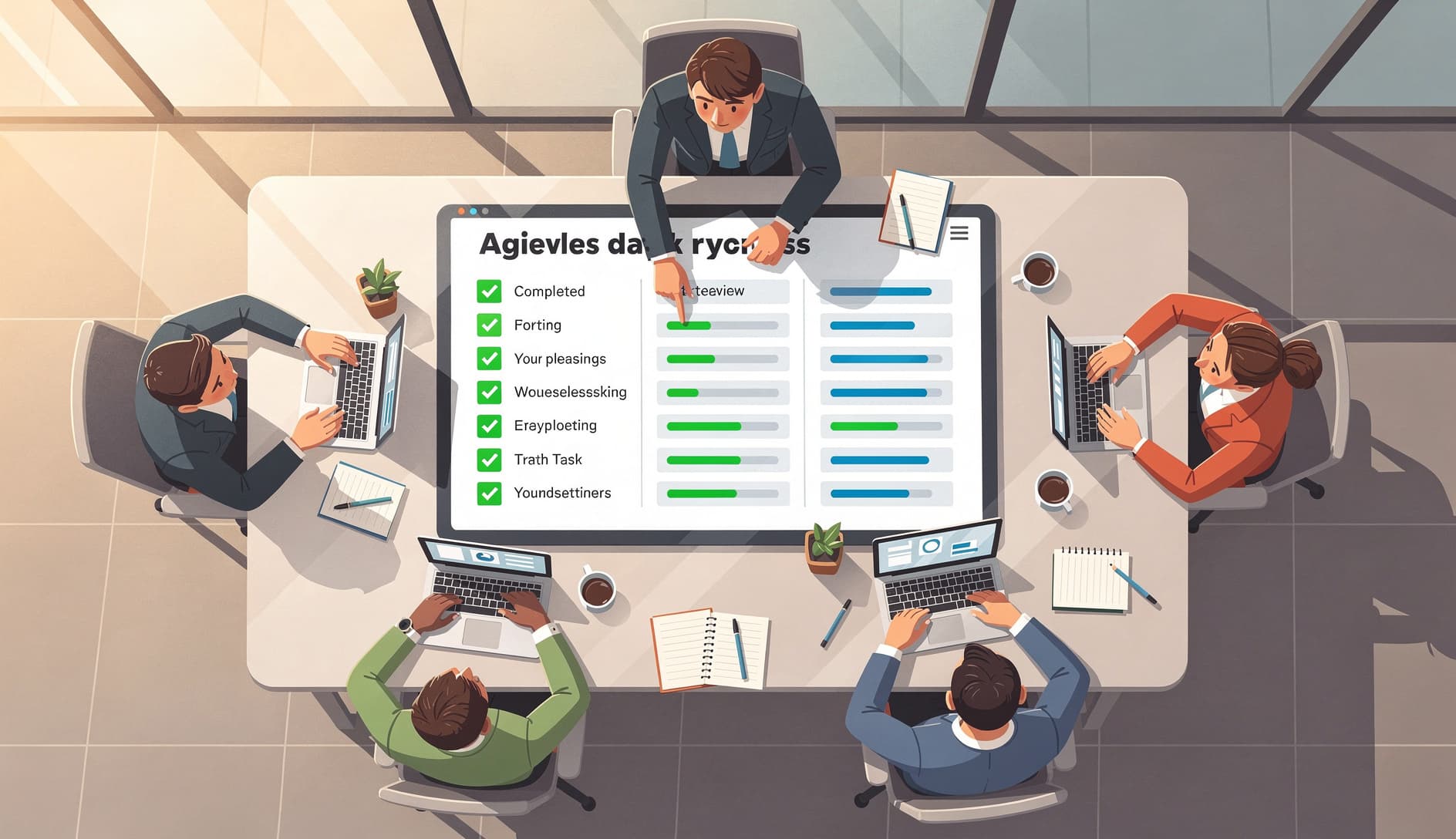
Start every retrospective by reviewing the action items from the previous sprint. For each one, ask: was it done? If yes, did it help? If no, why not? This creates a feedback loop. The team sees whether their actions led to improvement, which motivates better follow-through next time. It also surfaces systemic blockers. If the same action item rolls over three sprints in a row, the team needs to either break it down further or admit it's not a priority. Team reviewing a checklist of completed and in-progress action items on a digital board, with green checkmarks and progress indicatorsTeam reviewing a checklist of completed and in-progress action items on a digital board, with green checkmarks and progress indicators

Make action items visible during the sprint

Action items should live where the team already works. Put them on the sprint board. Add them as tickets. Drop them in a pinned Slack message. The mechanism matters less than the visibility. If the team has to go looking for their action items, they won't. Some teams add retro action items directly to their sprint planning backlog, treating them as first-class work items. This is effective because it forces the team to account for improvement work in their capacity, rather than hoping it happens on top of regular delivery.

Build action items into your Definition of Done

When a retro action item creates a new team standard, like "all PRs need at least two reviewers," add it to your definition of done checklist. This turns a one-time improvement into a permanent process change. The action item is done when the DoD is updated and the team starts following it.
End of retro: write the action item
Use the who/what/when template. Assign an owner. Set a deadline within the sprint.
During sprint planning: add it to the board
Treat retro action items as sprint work. If it's not on the board, it's not real.
Mid-sprint: check in
The owner gives a quick status update during standup or async check-in. Is it on track?
Next retro: review and close
Start the next retro by reviewing the action item. Mark it done or discuss why it stalled.

When action items keep failing

If the team consistently fails to complete action items despite writing them well and tracking them, the root cause is usually one of three things. The team is overloaded. There's no capacity for improvement work because every sprint is packed to the limit. The fix: explicitly reserve 10-15% of sprint capacity for retro action items and technical debt. Make it a policy, not a hope. The action items aren't important enough. If they keep getting deprioritized, maybe they shouldn't have been action items in the first place. The retro surfaced a mild annoyance, not a real problem. Better problem identification leads to action items people actually care about completing. Nobody feels ownership. This often points to a deeper psychological safety issue. If people don't feel empowered to change the process, they won't fight for their action items when competing priorities emerge. The facilitator's job is to make sure action items have genuine buy-in, not just polite agreement.

Running a retro built for action items

Here's a lightweight format that naturally produces actionable outputs. It works with any retrospective template as a final step.

Open by reviewing last sprint's action items (5 minutes)

Run your preferred retro format to surface insights (20 minutes)

Dot vote on the top 2-3 themes to focus on (5 minutes)

For each theme, brainstorm 2-3 candidate action items (10 minutes)

Vote on which action items to commit to, max 3 total (5 minutes)

For each selected item, fill in who/what/when (5 minutes)

Add action items to the sprint board before leaving the room (2 minutes)

The whole thing fits in a 60-minute timebox, and the team walks out with concrete, owned, tracked commitments instead of a list of good intentions.

Getting started

If your retros have been producing action items that go nowhere, don't overhaul the entire process at once. Start with one change: at the end of your next retro, take the top action item and run it through the who/what/when filter. Assign a name. Set a date. Put it on the sprint board. Then open the following retro by asking whether it got done. That single loop, write it clearly, track it, review it, is the foundation. Once the team sees that retro decisions actually lead to change, the quality of the conversations in the retro itself will improve. People raise better issues when they believe something will happen as a result. Your retrospectives are only as valuable as the changes they produce. Make those changes specific, owned, and visible, and the retro becomes the most productive meeting on the calendar.

Limit to 1-3 action items per retro. Research and practitioner experience consistently show that fewer, well-defined action items lead to higher completion rates than long lists. If your team struggles with follow- through, start with exactly one action item per retro until the habit is established.

If an action item has rolled over two or more sprints, it needs intervention. Either break it into a smaller first step that can be completed in a single sprint, escalate the blocker that's preventing it, or acknowledge that it's not a real priority and remove it. Keeping stale items on the list erodes trust in the retro process.

Yes. Treating action items as sprint work, with tickets on the board and capacity allocated, dramatically increases completion rates. When improvement work competes invisibly with feature work, it always loses. Make it visible and budget for it.

Every action item needs a single owner. That person doesn't have to do all the work themselves, but they're accountable for driving it to completion. Avoid assigning items to "the team" since shared ownership usually means no ownership. The owner should volunteer or be agreed upon, never assigned against their will.