Posts

Running planning poker from Claude Code
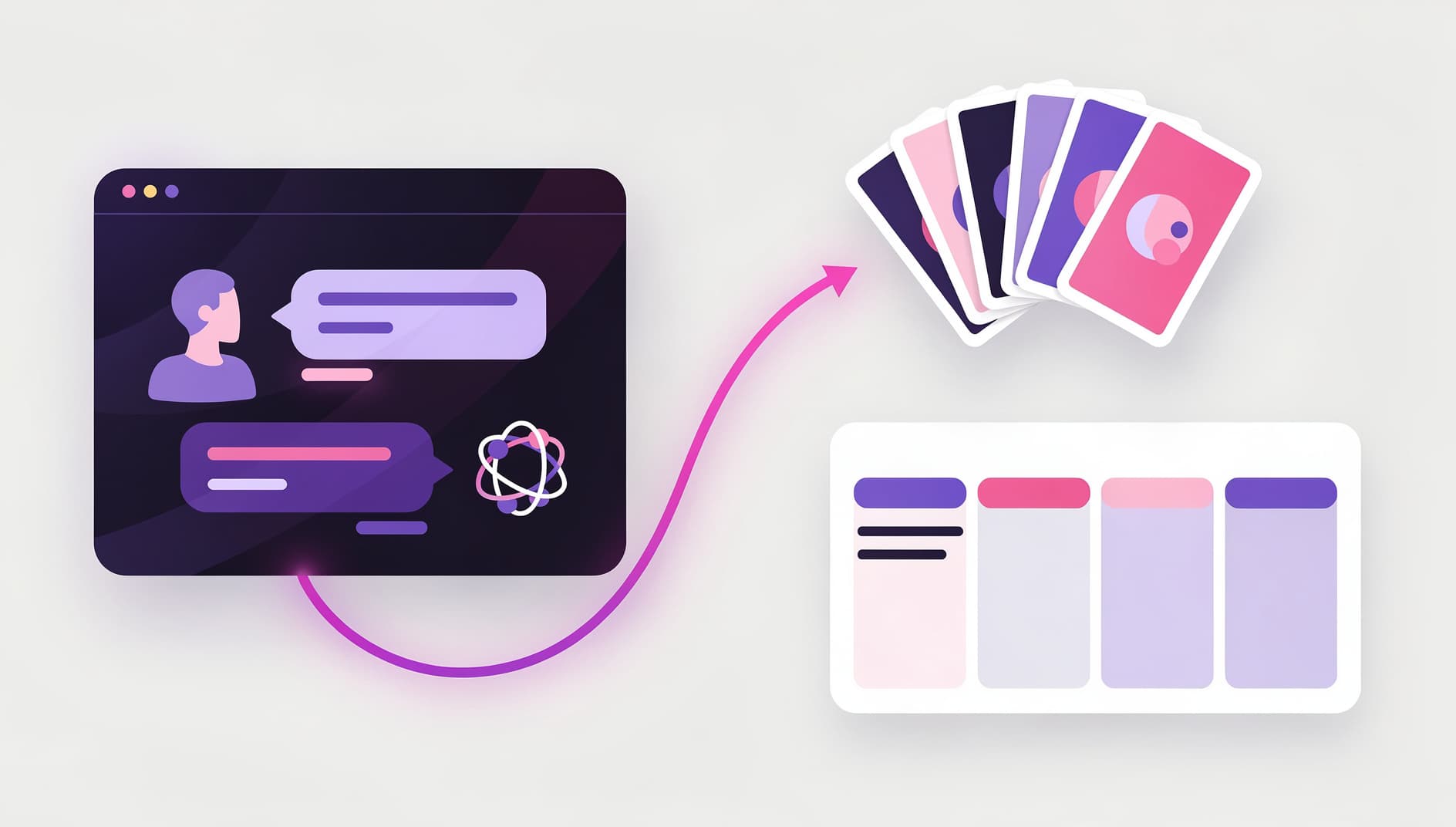
Illustrated terminal window on the left showing a chat conversation with a coding assistant, on the right a planning poker board with playing cards arranged in a fan, connected by a soft glowing line, modern flat editorial vector style with vibrant purple and pink accents, no text or UI labels
Kelly Lewandowski

Kelly Lewandowski

Last updated 19/05/20267 min read

Claude Code already sees your branch and your PRs. With the Kollabe MCP server connected, that same chat can spin up a planning poker room and bulk-import the tickets you're about to estimate. No tab switching, no copy-paste. Here's the workflow I run on Monday mornings.

Why bother running poker from a CLI

Most planning poker tools assume you'll switch context. Open the browser, hunt for the right room, paste ticket titles in. Doing it from Claude Code flips that. You stay in the place where your work already lives, and the assistant reads your repo to seed the round. The practical win is that the data is already nearby. Claude Code can see your codebase and any other MCP servers you've registered (GitHub, Linear, Jira, Sentry). Adding Kollabe means it can write to the meeting too, not just read your code. The boring prep work, room names, round titles, ticket descriptions copied from the tracker, disappears.

Connecting Claude Code to Kollabe

One command. The MCP server speaks HTTP and handles OAuth in the browser:
claude mcp add --transport http kollabe https://kollabe.com/api/mcp
Then start a new Claude Code session. The first time it touches a Kollabe tool, it opens a browser tab for the OAuth handshake. Sign in, pick the organization you want the assistant to act in, and you're done. The token is scoped to one org, lasts a year, and refreshes silently. If you're not connected to Kollabe yet, we have a full MCP setup guide that covers Claude Desktop, Cursor, and Zed alongside Claude Code.

The planning poker tools you get

Ten tools, all prefixed planningpoker so Claude Code groups them in its picker:
🪑Rooms

list_rooms, create_room, get_room, update_room. Find an existing room or spin up a new one with a Fibonacci, T-shirt, or custom deck.

🎴Rounds

list_rounds, create_round, create_rounds_bulk, update_round, delete_round. Bulk import the next sprint's tickets in one call.

🗳️Voting

cast_vote. Submit or change your card on the current round. The room enforces the deck, so the assistant has to read the cards before voting.

🔄Flipping & finalising

Status updates on update_round flip cards (PENDING → FLIPPED) and lock in a winning estimate (COMPLETED). The next PENDING round opens automatically.

If you want the whole list with arguments, ask Claude Code "what planning poker tools do you have for Kollabe?" once and it'll print them.

A real workflow: from Linear to a flipped round

This is the sequence I actually use. It assumes you also have the Linear MCP server connected, but you can swap in GitHub Issues, Jira, or Azure DevOps without changing anything else. Illustrated workflow diagram showing a stack of tickets flowing from a project management board on the left, through a terminal in the middle, into a planning poker board on the right with cards fanned out ready to be picked, soft purple gradient, clean flat vector style
  1. Pull the candidates
    "Get the top 10 unestimated tickets from Linear's 'Web team' project, ordered by priority." Claude Code returns the list with titles and ids.
  2. Create the room and rounds
    "Create a Kollabe planning poker room called 'Sprint 47 estimation' in the Engineering space, and bulk-create a round for each of those tickets with the Linear url in the round description." One call to planning_poker_create_room, one to planning_poker_create_rounds_bulk.
  3. Share the link
    "Give me the room url so I can paste it in Slack." Claude Code reads it from the room response. Total elapsed time: about 30 seconds.
  4. Run the meeting in the browser
    Your team opens the room and votes. The CLI handled the setup. The browser room is where the discussion happens.
  5. Finalise from the terminal
    After the meeting, "For each completed round in Sprint 47, sync the winning vote back to the Linear ticket's estimate field." Done.
If you've already set up Kollabe's Linear integration, votes write back to Linear automatically. With a different tracker, the corresponding MCP server writes the estimate from Claude Code's side.

What's actually different vs. the browser app

I want to be honest about the trade-off. Running poker from Claude Code is great for prep and finalisation. It's a bad replacement for the live meeting.
TaskClaude CodeBrowser room
Create room + import tickets✅ FastOK
Cast a vote
See others' votes live
Flip cards dramatically
Side conversation in chat
Finalise + sync to tracker
Use the CLI to remove the friction at the edges. Use the browser room for the actual discussion.

Smaller workflows worth keeping

Not every poker session needs ten tickets. Some prompts I use regularly:
  • "What planning poker rooms am I in right now?" Read-only, useful when a colleague says "join the room" and you can't find the link.
  • "Add a round to room X called 'PROJ-1234' with this description from the Jira ticket." One-off when a ticket gets added mid-meeting.
  • "For the current round in room X, cast my vote as a 5." When you're on your phone but Claude Code is still open on your laptop.
  • "Skip the current round." The team decides a ticket needs grooming before estimation.
These take a few seconds each and don't require leaving the terminal.

Pairing with other tools you already have

Kollabe is one MCP server in your stack. The interesting prompts combine it with the others you already have wired up. With GitHub: "List my open PRs from this sprint. For each one without an estimate on the linked ticket, create a planning poker round." With Linear or Jira: "Pull the next sprint's tickets, group them by epic, and create one room per epic with the tickets as rounds." With Sentry: "Top 5 unresolved Sentry issues this week. Create a poker room called 'Bug triage' and seed rounds with the stack traces." You're not building these integrations. You're chaining tools the protocol gave you. The same approach works for retros and standups. The full Kollabe MCP guide walks through those.

When the assistant gets confused

Three patterns trip up Claude Code with the Kollabe tools, and they all have quick fixes. "It says the vote is invalid." Every room has a specific deck (Fibonacci, T-shirt, custom). Ask the assistant to call planning_poker_get_room first and use one of the cards in roomCards.options. "It can't find my room." Rooms live inside spaces. If you have many spaces, name the space in the prompt: "…in the Mobile team space". "It created a room in the wrong organization." The MCP connection is scoped to one org. Check which one you OAuthed against in Organization Settings → API Tokens.

Try one prompt today

If you're already on Claude Code, the smallest useful experiment is this:
Using Kollabe, list my spaces and the planning poker rooms in each.
Read-only, hits two tools, takes a second. If that works, you're connected. From there, every workflow above is just prompts.

The server is included on every paid plan and on the trial. Free-tier accounts can't connect.

Technically yes. The tools cover create, flip, finalise, and vote. But story points are a team alignment exercise. Auto-estimation skips the conversation, which is the actual value. Use the assistant for prep and sync, and leave the discussion to the team.

planning_poker_create_room defaults to Fibonacci. Pass a votingSystem argument to pick T-shirt, powers of two, or a custom deck, or copy an existing room with duplicateId.

Yes. Votes are hidden until the round is flipped, exactly like the browser room. The assistant casting on your behalf is the same as you clicking a card.