Posts

5 Warm-Up Games to Get Remote Teams Ready for a Retro

Illustration of a remote team on a video call grid, each person laughing and engaged, with playful game controllers and chat bubbles floating between the screens, flat editorial style, vibrant purple and pink palette
Kelly Lewandowski

Kelly Lewandowski

Last updated 22/06/20266 min read

A retro lives or dies in its first five minutes. If the call opens with silence and "so… who wants to start?", you spend the rest of the hour pulling answers out of people. A warm-up flips that. One round of something light and everyone has already spoken and laughed before the real conversation begins, instead of sitting on mute waiting to be called on. This matters more for remote teams. There's no walk to the meeting room, no coffee-line small talk, no reading the energy in someone's face across a table. People join from a cold mute and stay there unless you give them a reason not to.

Why a warm-up beats diving straight in

The first person to talk sets the tone for the whole meeting. If that's the team lead reading an agenda, everyone settles into receive mode. A quick game or icebreaker means the first voices are peers, the stakes are low, and speaking up is already the norm by the time you ask "what slowed us down this sprint?"

1. Kollabe Icebreaker — the lowest-friction option
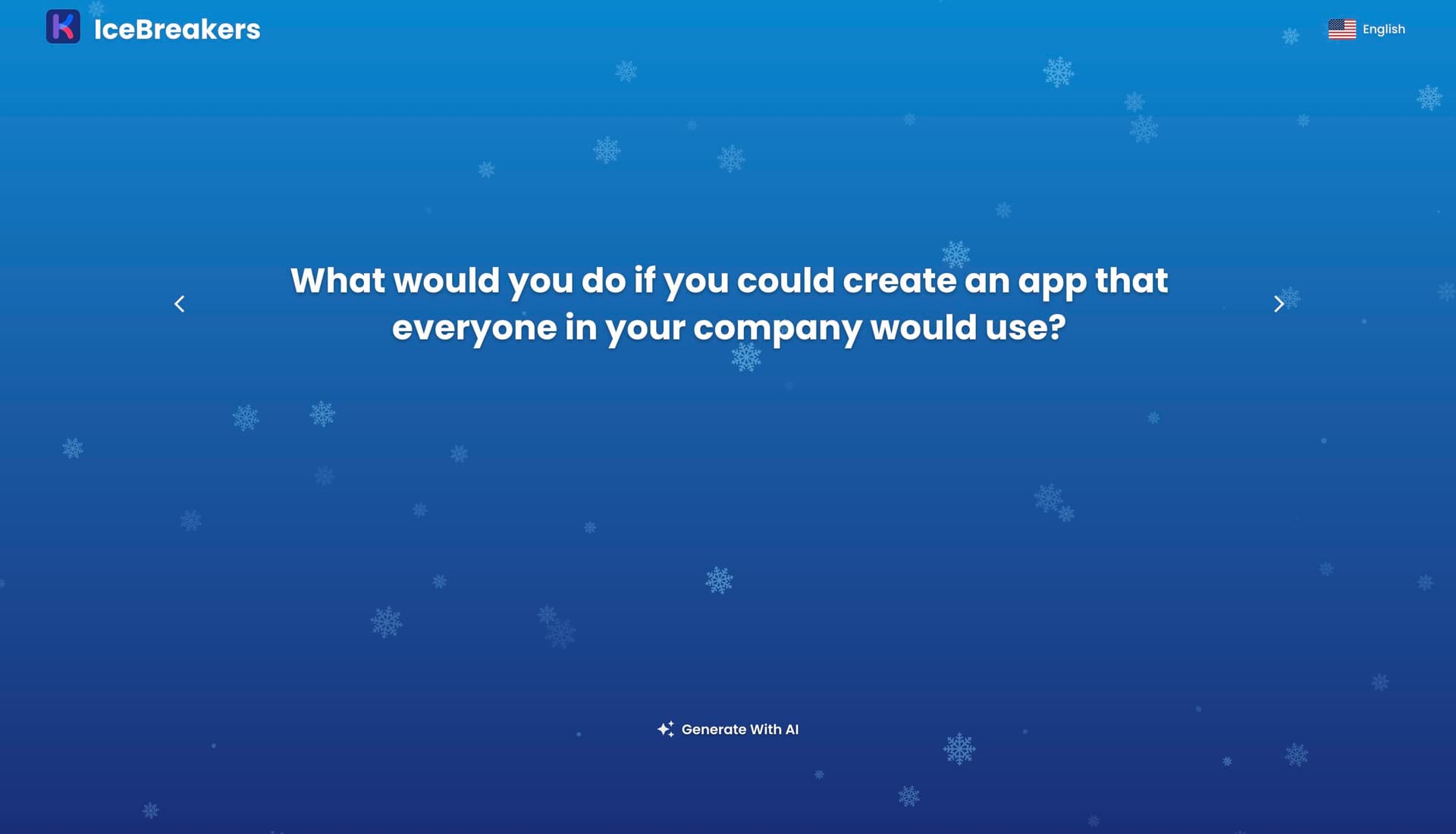
When you just need everyone talking, a question does the job faster than a game. Kollabe's free Icebreaker tool gives you 650+ questions across categories like Would You Rather, Desert Island, and Superpowers, in six languages, with no login. Open it, click, read the question aloud, go around the call. Screenshot of the Kollabe Icebreaker tool showing a generated icebreaker question with category options and a Create with AI button The "Create with AI" button generates ten questions from a prompt, so you can tailor them to the sprint ("ask about something that surprised us this week") instead of recycling the same three every time. It's the safest pick for a mixed or new team because nobody has to install anything or be good at a game to take part. Best for: any team, any size, when you have two minutes and want zero setup. If you want ready-made prompts to copy-paste, our sprint retrospective icebreaker questions post has a list.

2. Shellcade — a terminal arcade for engineering teams
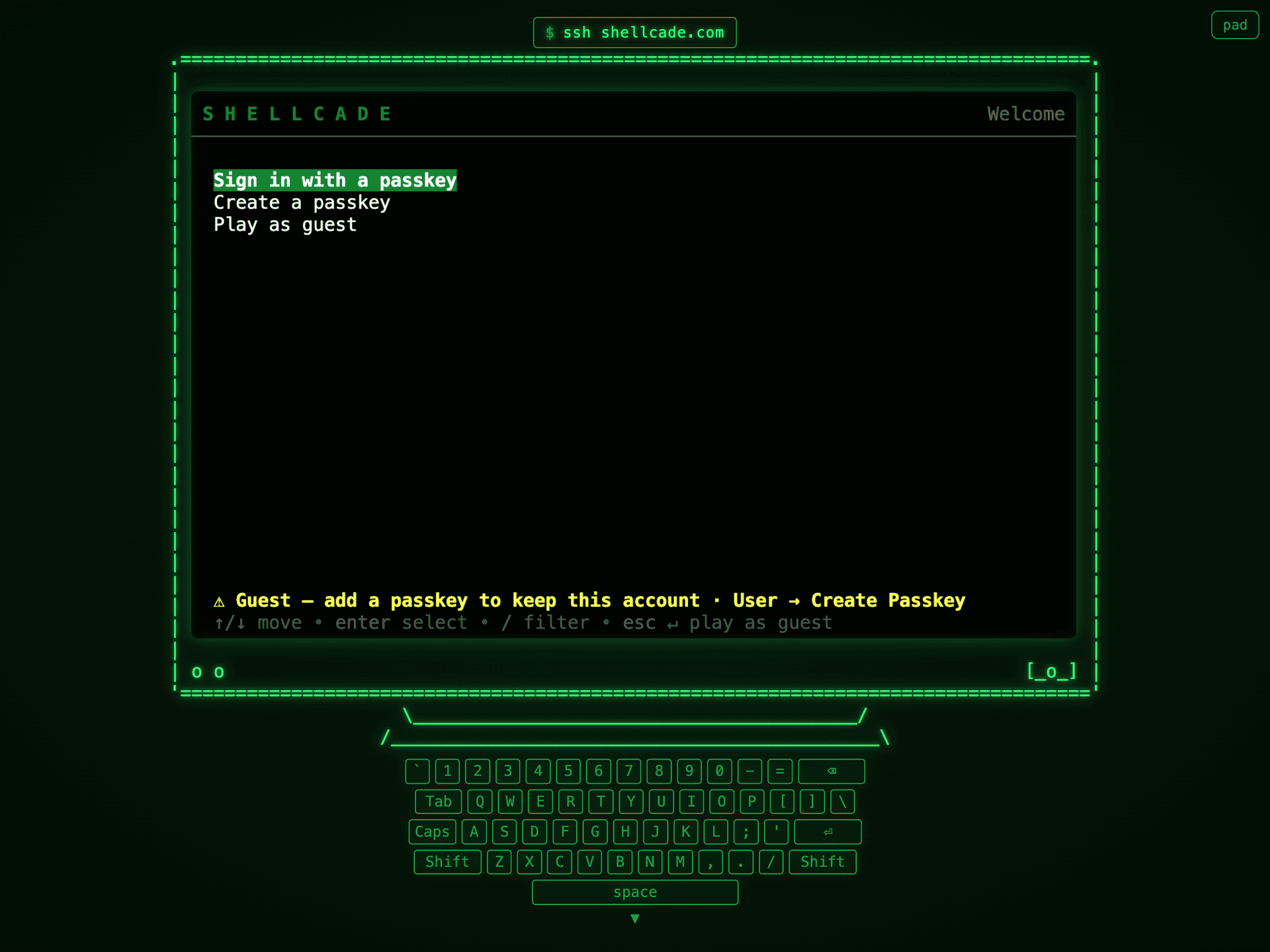
If your team lives in the terminal, Shellcade is a near-perfect inside joke. It's an arcade of multiplayer games you play in your terminal — connect with a single ssh shellcade.com, or just open it in the browser. No account, no download, free. The Shellcade terminal arcade running in the browser, a green CRT-style screen with a welcome menu and a virtual keyboard below it, captioned ssh shellcade.com There are 17 games, from Chess and Neon Snake to a Breakout clone, a co-op space shooter, and a few casino-style ones. Most support up to six players, so a small squad can jump into a two-minute round of Tic-Tac-Toe or Snake while the stragglers join the call. For a dev team, the novelty of "we're racing in a terminal" lands harder than any generic party game. Best for: engineering and platform teams who'd rather race in a terminal than answer a feelings question.

3. Gartic Phone — drawing meets telephone

Illustration of a remote team playing a drawing-telephone game, with a sentence morphing into increasingly silly sketches across a row of screens, flat vibrant style Gartic Phone is "telephone" with drawings. Someone writes a sentence, the next person draws it, the next person guesses what the drawing means, and so on until the original prompt has mutated into something gloriously wrong. It's free, runs in the browser, and the reveal at the end is the part that gets the whole team laughing. Best for: teams that want genuine laughter and don't mind five to eight minutes. Great for a retro after a rough sprint when the mood needs lifting.

4. Jackbox Games — the party-pack standby

Jackbox party packs (Quiplash, Trivia Murder Party, and friends) are the reliable remote-team crowd-pleaser. One person buys a pack and shares their screen; everyone else joins from a phone with a room code — no installs for participants. The catch is it's a small one-off purchase and a single round runs longer than a true warm-up, so it suits a monthly retro or a team social better than a quick Tuesday standup. Best for: bigger teams and occasional sessions where you've budgeted ten-plus minutes for fun.

5. Codenames Online — quick team strategy
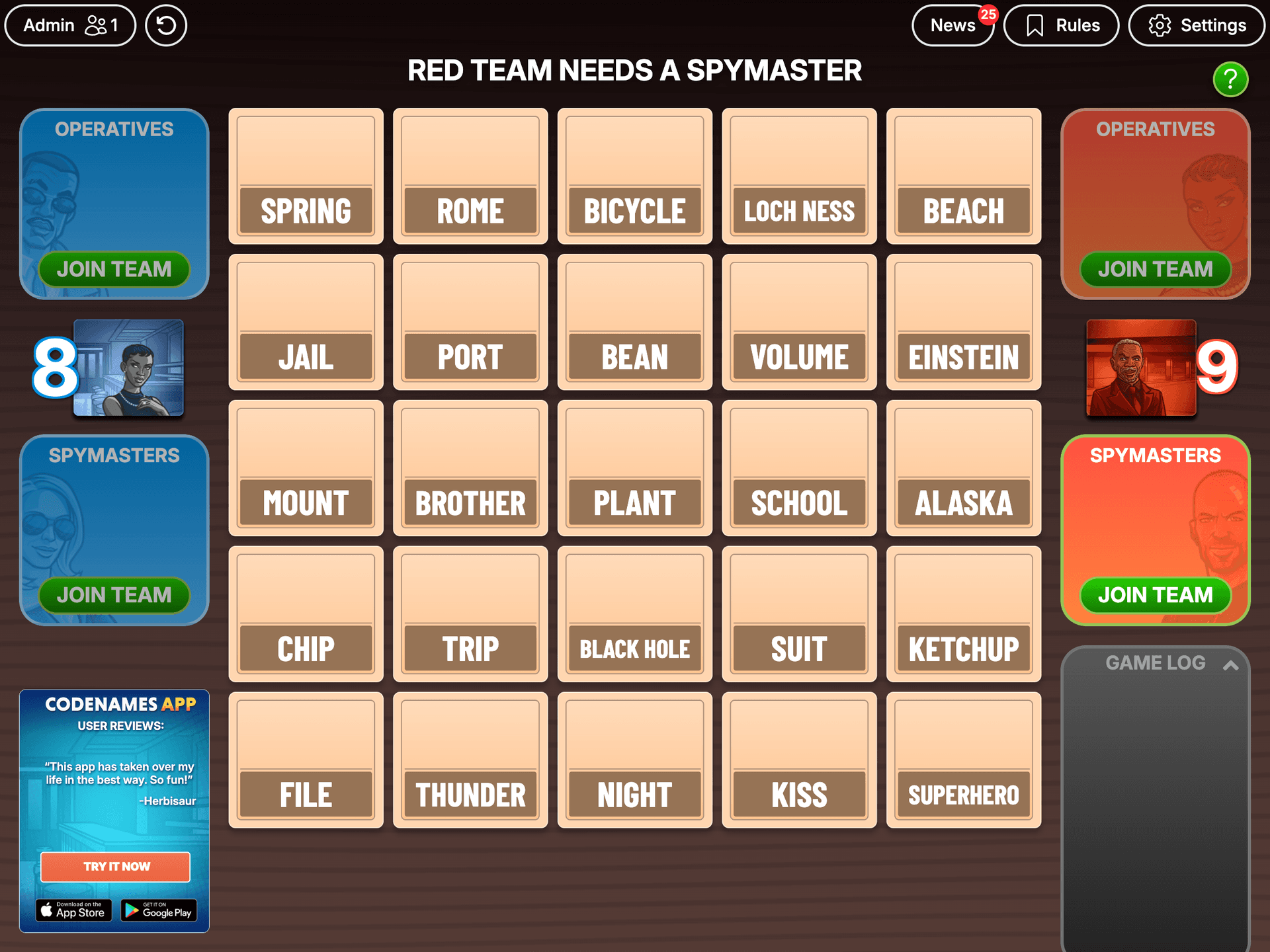
Codenames splits the group into two teams giving one-word clues to find their agents on a grid. The free web version needs no account and naturally puts people into collaborative mode — reading each other's thinking, debating a guess — which is a nice on-ramp to a retro about how the team worked together. Codenames Online board: a five-by-five grid of word cards with blue and red team panels on either side, showing the classic spy word-association game running in the browser Best for: teams of six or more who want a short, collaborative game with a competitive edge.

How to pick

Need zero setup

Kollabe Icebreaker. Open, click, read aloud. Works for any team in two minutes.

💻Dev-heavy team

Shellcade. A terminal arcade lands with engineers in a way generic games don't.

😂Need a laugh

Gartic Phone. The mangled-drawing reveal resets a tense room.

🎉Monthly social

Jackbox. Worth the longer runtime when you've set aside the time.

OptionCostTimeSetup
Kollabe IcebreakerFree2-5 minNone — open and click
ShellcadeFree2-5 min
ssh shellcade.com
or browser
Gartic PhoneFree5-8 minShare a room link
Jackbox GamesPaid pack10+ minHost buys + screenshares
Codenames OnlineFree8-12 minShare a room link

Running it without derailing the retro

  1. Pick before the call
    Choose the warm-up in advance so you're not screen-sharing a setup menu while the team waits.
  2. Time-box it out loud
    Say "one quick round, then we get into it." A stated limit keeps the fun from swallowing the agenda.
  3. Make it opt-in
    Let quieter teammates watch or pass. Pressure during the warm-up undoes the safety you're trying to build.
  4. Roll straight into the board
    Don't break the momentum. Move from the game into your retro board while the energy is still up.
A warm-up is only step one. Once people are talking, you need a structure that keeps them talking — a clear format, anonymous input, and voting so the loudest voice doesn't win. That's what Kollabe's retrospectives are built for, and our guide to running an effective agile retrospective covers the rest of the hour.

Two to five minutes for most teams. A game like Gartic Phone or Jackbox can run longer, so save those for a monthly retro or team social rather than a quick session. If the warm-up regularly runs past fifteen minutes, it has become the meeting.

For most teams, yes. Remote calls start cold, and the first voice sets the tone. A quick game means peers speak first at low stakes, so people are already engaged when the real questions come. The effect is biggest for new or partly remote teams.

Make it opt-in. Let people watch or pass without comment. Forcing a quiet teammate to perform during a warm-up undermines the psychological safety the warm-up is meant to create.

Start with icebreaker questions rather than a game. Questions need no skill and no setup, so nobody feels exposed. Kollabe's free icebreaker tool works well here, and you can move to games once the team has gelled.
A good warm-up costs you five minutes and buys you a room full of people who are actually present. Pick one, keep it short, and roll straight into the retro while the energy is high.